
Docs
Guides for setting up and getting the most out of Nexus.
Quick Start
- Quick Start Download Nexus, install it, see your first live sensors, apply a lighting effect, and optionally pair your phone - all in a few minutes.
- System Requirements The Windows, macOS, and Linux versions Nexus supports, and what you need for remote and phone use.
- Installing Nexus Install Nexus on Windows, macOS, or Linux, step by step.
Guides
-
Monitoring
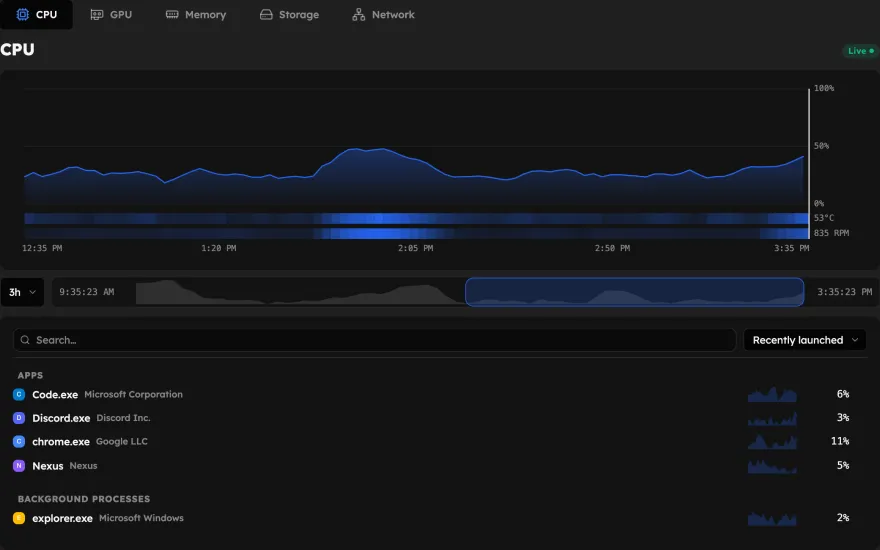
Live sensor readings, custom layouts, health checks, frame rates, and screen time.
-
Cooling
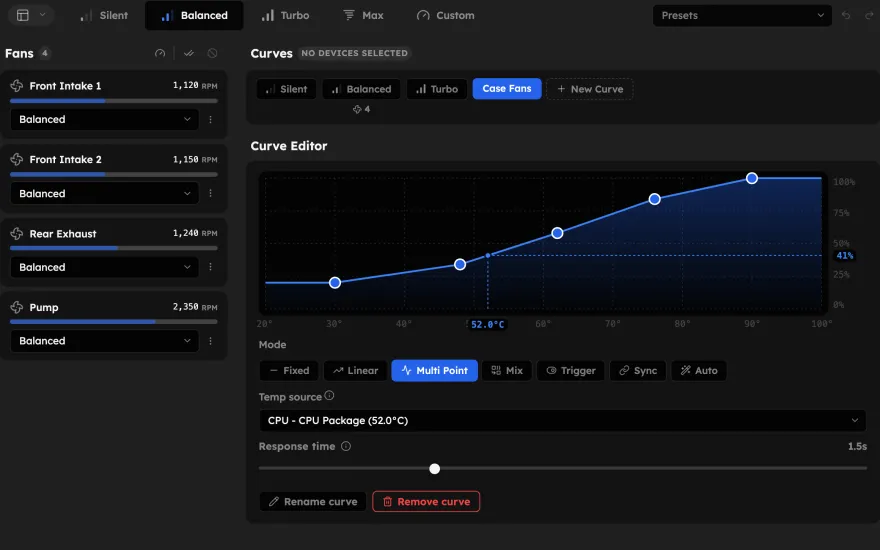
Fan and pump curves, cooling devices, and how control is shared with your BIOS.
-
RGB Lighting
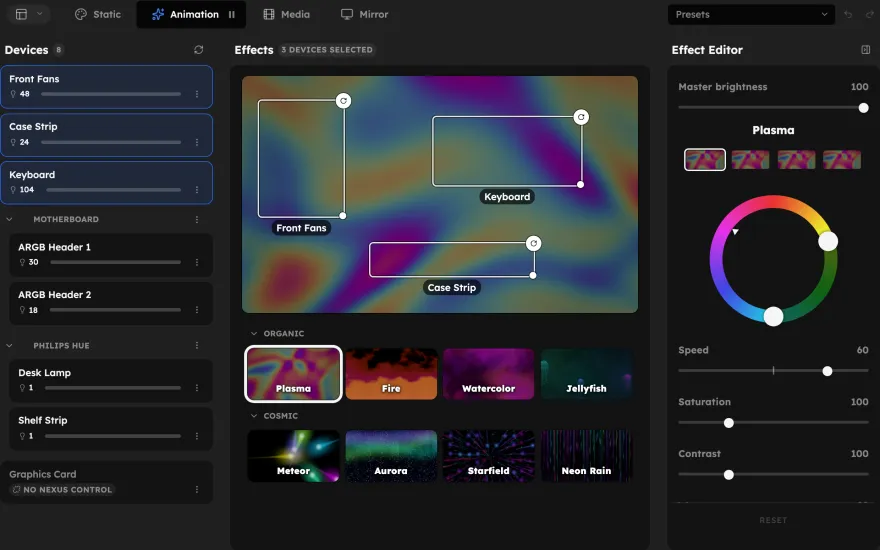
Effects, LED maps, screen and audio sync, and every device Nexus lights up.
-
Remote & Devices
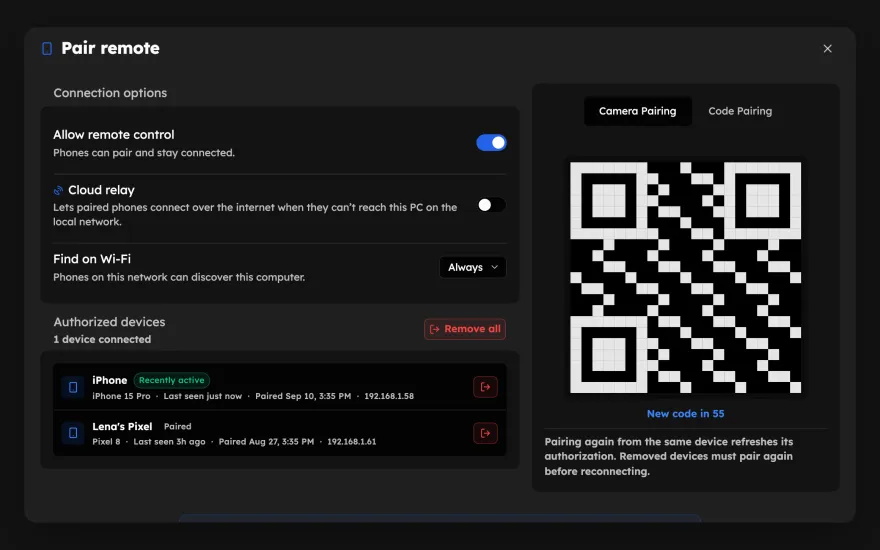
Your phone, touch panels, macro key decks, and desktop overlays.
-
Account & Cloud
Sync your profiles across machines and manage your Nexus account.
-
AI Integration
Connect the AI assistant you already use to this PC's diagnostics, history, and controls, locally.
Troubleshooting
-
Troubleshooting
Fixes for the problems people hit most, and how to report a new one.