
Account & Cloud Sync
Hardware control runs locally on your PC. A free Nexus account adds the items below.
What an account adds
A Nexus account is a free email-and-password account. It adds:
- Marketplace apps. Downloading apps from the Marketplace requires signing in.
- Profile sync across machines. Your profile library syncs to your account, so the profiles you build on one PC follow you to another. Sync runs in the background, and if the same profile changed on this machine and in the cloud since it last synced, Nexus asks you to review the conflict and choose which copy to keep instead of overwriting silently.
- A public profile page. Every account gets a page at
build.hellonexus.com/u/<username>showing your username, avatar, and join date, plus the devices linked to your account. Turning on Private account hides your machines and activity from that page; only your username and avatar stay visible. - A custom avatar. Shown on your public profile and wherever you are signed in.
- A devices list. Machines running Nexus under your account are auto-reported with their specs, and you can also add or edit entries by hand. Auto-reported entries update on their own; manual entries are yours to edit.
Phone remote and accounts
Phone remote access does not use an account: it works through pairing, which is its own approval flow between your phone and your PC.
Note
An account is not what powers remote access. A paired phone reaches your PC through end-to-end encrypted pairing whether you have an account or not. See Remote Access.
Creating and signing in
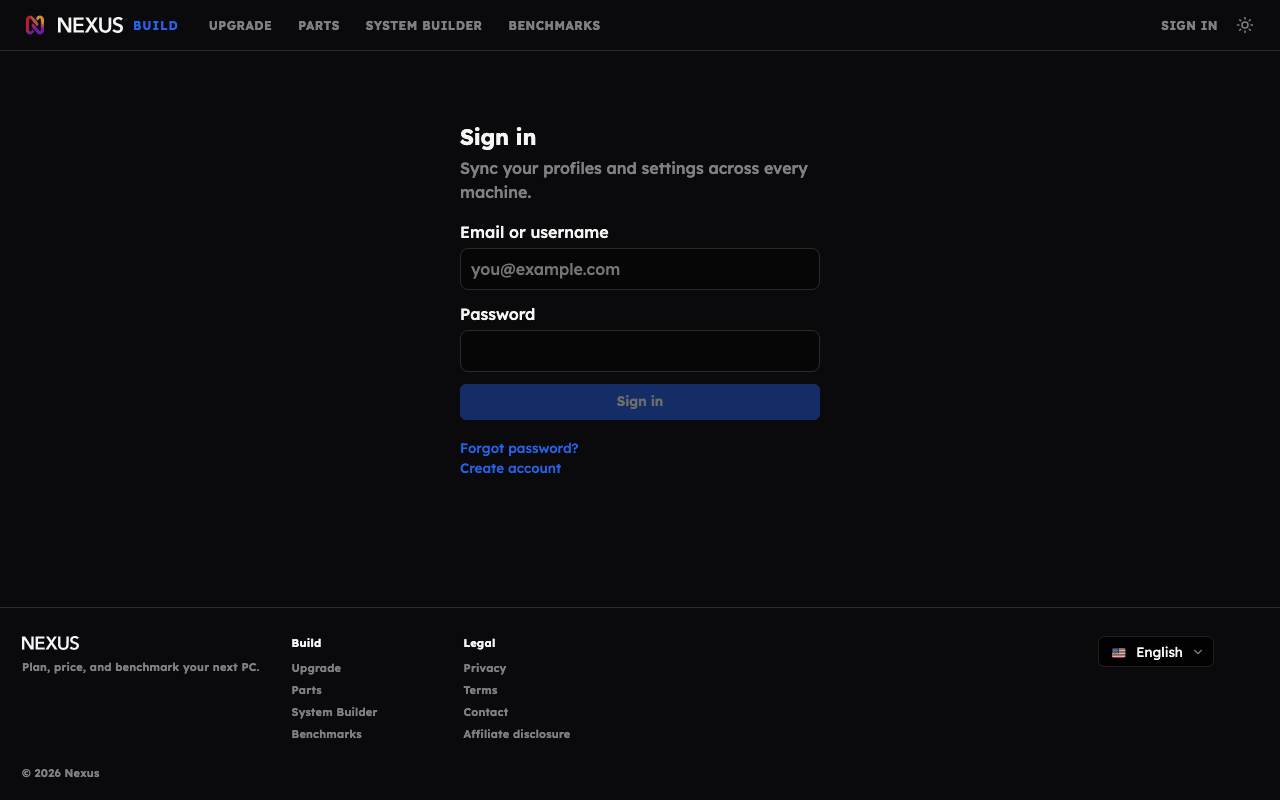
Sign up and sign in happen in the browser at build.hellonexus.com:
- Open build.hellonexus.com/register and pick a username, email, and password.
- Check your email for a verification link, then sign in. Sign-in is blocked until the email is verified.
- Manage the account at build.hellonexus.com/account: change your avatar or password, link or edit devices, toggle Private account, and view your public profile.
If you lose your password, use the recovery page at build.hellonexus.com/recover; it emails you a sign-in link.
my.hellonexus.com is also the browser home of your dashboard: when Nexus is running on the computer you are browsing from, the page connects to it and opens the same dashboard the desktop app shows.
Deleting the account
You can delete the account at any time from the account page. Deleting it permanently removes the account and everything synced to it, and signs out any other machines using it. Nexus keeps running on your PC; Marketplace downloads and sync need an account again.
For what account data is stored, see the privacy policy.